

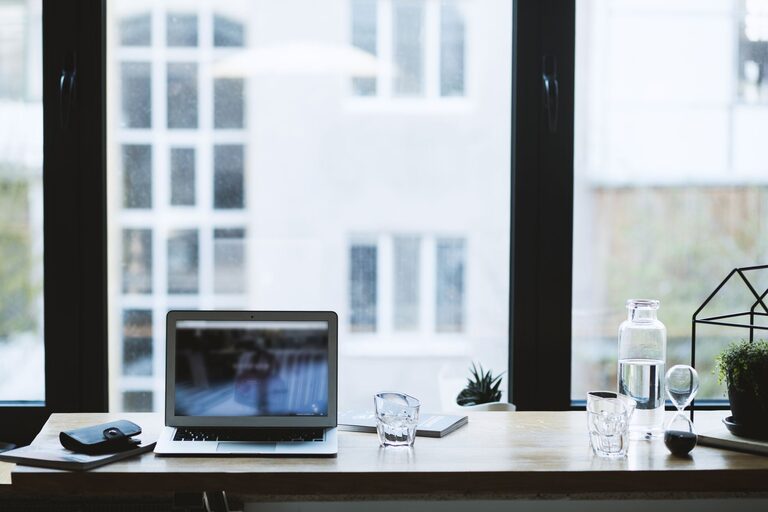
Creating a comfortable and productive home office space can significantly improve your work-from-home experience. Whether you’re a full-time remote worker, a freelancer, or someone who occasionally works from home, your environment plays a key role in your focus and overall well-being. Here are some practical tips to help you design an efficient and inviting home office space.
Choose the Right Location
Quiet and Low-Traffic Areas
Select a spot in your home that is quiet and has minimal foot traffic. This helps reduce distractions and interruptions. Spaces such as a spare bedroom, a corner of your living room, or even a basement can work well if set up properly.
Natural Light is a Bonus
If possible, position your desk near a window. Natural light uplifts mood and reduces eye strain. Make sure to balance light with window treatments to avoid glare on your computer screen.
Invest in Ergonomic Furniture
Comfortable Chair
A good office chair supports your back, encourages proper posture, and prevents discomfort during long work hours. Look for features like adjustable height, lumbar support, and swivel capability.
Spacious Desk
Pick a desk that offers enough surface area for your computer, paperwork, and other supplies without feeling cluttered. Standing desks or adjustable desks are great options for flexibility in your work position.
Organize Your Workspace
Declutter Regularly
A clean workspace improves focus. Use trays, drawer dividers, or file organizers to keep papers and office supplies tidy. Make it a habit to clear your desk at the end of each day.
Smart Storage Solutions
Shelves, cabinets, and desk organizers help keep essentials within reach without crowding your work area. Vertical storage can save floor space, especially in small rooms.
Create a Pleasant Atmosphere
Add Personal Touches
Incorporate items that make you feel comfortable, such as a favorite plant, artwork, or a cozy rug. Personalizing your office helps make it a space where you enjoy spending time.
Control Temperature and Ventilation
Maintain a space that is not too hot or cold. Proper ventilation ensures fresh air flow, which keeps you alert. Consider using a fan or a small heater to adjust the temperature comfortably.
Manage Technology and Connectivity
Reliable Internet Connection
Ensure your home office has a strong Wi-Fi signal or a wired connection. Nothing disrupts productivity like a slow or unreliable internet connection.
Cable Management
Organize cables with clips, ties, or cable sleeves to avoid tangling and keep your desk neat. This also helps prevent accidents and makes cleaning easier.
Lighting for Work and Well-being
Layered Lighting
Combine overhead lighting with desk lamps to reduce eye strain. Adjustable lamps let you control the angle and brightness for reading or computer tasks.
Avoid Screen Glare
Position screens perpendicular to windows and use curtains or blinds if needed. Consider adjusting your monitor’s brightness and contrast settings.
Establish Boundaries
Separate Work and Home Zones
Even if your office is in a shared area, try to create a visual boundary such as a room divider or a distinct rug. This helps signal to yourself and others when you are working.
Set Work Hours
Designating work hours and communicating them to household members can help minimize distractions and build a routine.
Take Care of Your Well-being
Include Movement Breaks
Incorporate short breaks for stretching or walking, which reduces muscle stiffness and boosts circulation.
Keep Water and Snacks Nearby
Staying hydrated and having healthy snacks available supports energy and concentration during your workday.
—
By taking these steps to tailor your home office environment, you can enhance your comfort, reduce stress, and increase your productivity. Your workspace doesn’t have to be perfect from day one — start simple and make improvements over time to find what works best for you.